
How to publish a website: the core steps at a glance
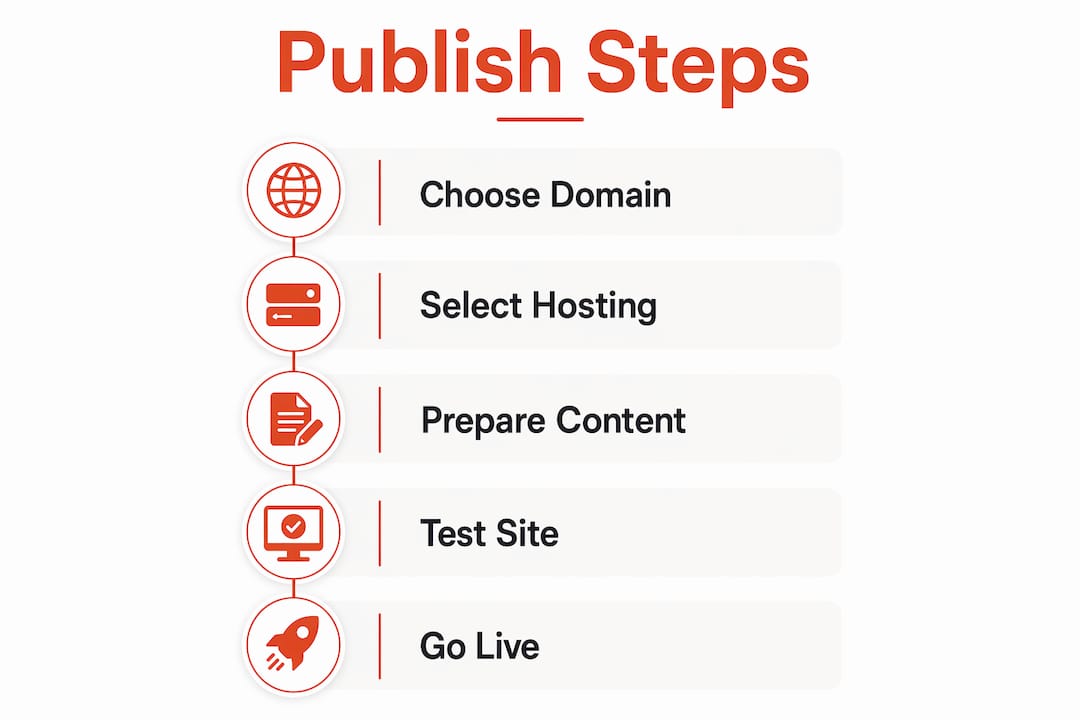
Publishing a website means making it live on the internet so anyone can visit it by typing your chosen domain name. The full process covers four foundations: securing a domain name, selecting a hosting environment, uploading your site content, and configuring DNS records to link your domain to the server.
Many small business owners think their site is live while they are still building it. It is not. Deployment is the step that connects everything and makes your pages publicly visible.
Here is a quick summary of the steps to launch a website:
- Decide how you will publish (website builder, CMS like WordPress, or coded site)
- Choose your domain name and register it with a registrar
- Select a web hosting provider or use a platform with hosting built in
- Create your content (pages, images, copy aligned to your business purpose)
- Build your website using your chosen method
- Test thoroughly before going live
- Publish and verify your site is publicly accessible
Each step is covered in detail below. If you are a small business owner with no technical background, the good news is that modern website builders handle most of the technical side for you.
How do you choose a domain name and web hosting in the UK?
Your domain name is your address on the internet, for example yourbusiness.co.uk. It is what customers type into a browser, and it forms part of your professional email address too. A .co.uk extension signals a UK presence, which can help with local search results.
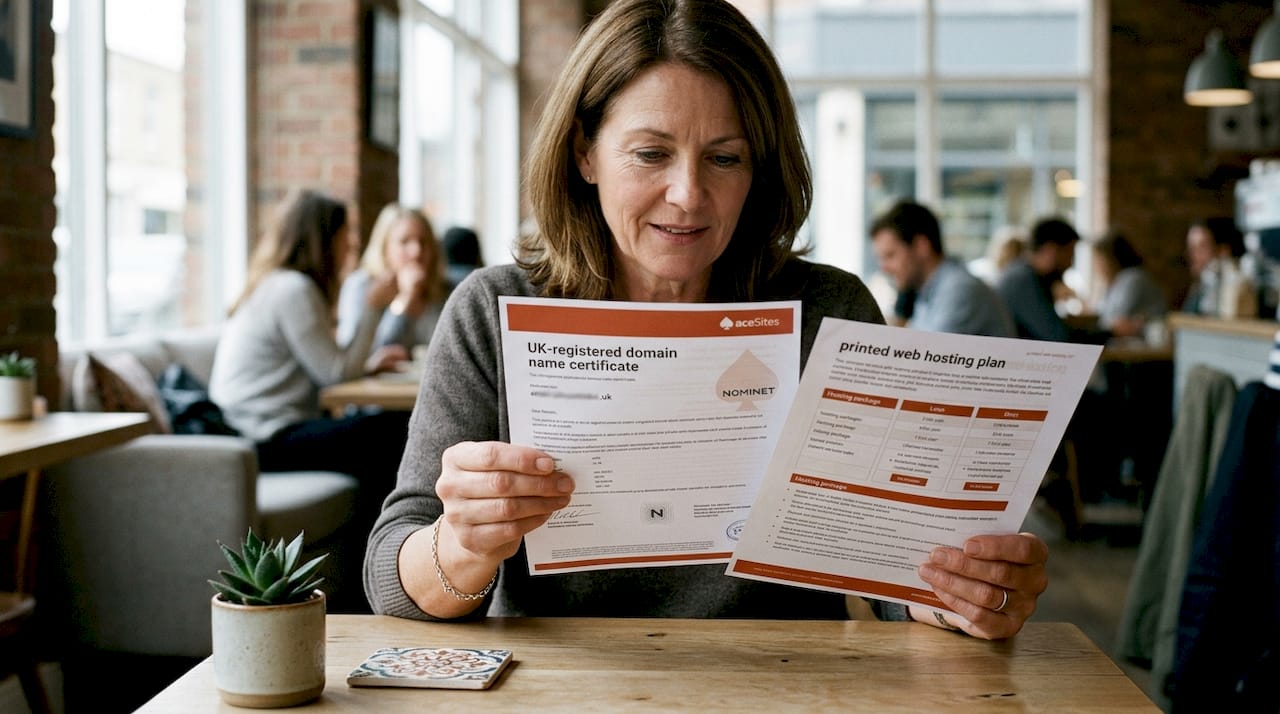
When picking a name, keep it short, easy to spell, and directly related to your business. Avoid hyphens and numbers where possible. Buy common variations of your domain to protect your brand from competitors or typosquatters.
Choosing a UK hosting provider involves more than just price. Consider these factors:
- Services offered: does the host provide WordPress installation, email hosting, and technical support?
- Pricing models: monthly versus annual billing, and what is included at each tier
- SSL certificate: browsers flag sites without SSL as "not secure," which harms both trust and search rankings. Most modern builders include SSL by default, but standalone hosting users must configure it manually.
- SEO and performance: fast loading speeds and uptime guarantees directly affect your Google rankings
- Support: UK business hours support matters if something goes wrong
If you use a website builder like Wix, hosting is bundled in so you do not need a separate provider. If you use WordPress, you will need to choose a host separately and connect your domain to it.
Pro Tip: Register your domain and hosting with the same provider where possible. It simplifies DNS management and reduces the number of logins you need to manage.
What should you check before your site goes live?
Building your site is one thing. Getting it ready for real visitors is another. Start with your content: every page should have a clear purpose, whether that is explaining your services, showcasing your work, or letting customers contact you. Text, images, and any videos should all be in place before you test.

Website builders simplify the build considerably by automating server setup, SSL certification, and DNS updates. A coded site requires manual file uploads via FTP or SFTP, which takes longer and demands more technical knowledge. WordPress sits in the middle: you build inside a dashboard, but you still need hosting configured correctly.
Before you hit publish, run through this checklist:
- Mobile responsiveness: view your site on a phone and a tablet, not just a desktop
- Broken links: click every button, menu item, and internal link
- Forms: submit a test enquiry and confirm you receive it
- Images and videos: check they load correctly and are not oversized
- Page titles and meta descriptions: these appear in Google search results, so make them clear and relevant
- Spelling and readability: read every page aloud to catch errors
- Accessibility: add alt text to images and check font sizes are readable
A broken contact form or a missing image on your homepage can cost you customers before you even know there is a problem.
How do you put your website online and confirm it is live?
The publishing action itself depends on how you built your site. For a website builder, it is usually a single "Publish" button click. The platform handles domain connection, SSL activation, and DNS updates automatically. For WordPress, you publish pages individually inside the dashboard, and your hosting provider manages the server side. For a coded or static site, you upload your files to your hosting server via FTP or SFTP, then confirm your domain points to the correct directory.
After publishing, follow these steps to verify everything is working:
- Visit your live URL in a browser you have not used for building (to avoid cached previews)
- Check HTTPS is active: your URL should begin with
https://and show a padlock icon - Test your key pages: homepage, contact page, and your main service or product page
- Set visibility to public: some builders default to "private" or "coming soon" mode
- Submit to Google Search Console and Bing Webmaster Tools to speed up indexing
DNS propagation can take up to 48 hours after you connect a new domain, so do not panic if your site does not appear immediately. Most of the time it is live within a couple of hours.
Publishing is not a one-off event either. Keeping content fresh with regular updates, blog posts, and SEO tweaks keeps your site relevant to search engines over time.
Comparing top UK website publishing providers
Several providers offer solutions for UK small businesses looking to get a site live. Each takes a different approach, and the right choice depends on what you need.
| Provider | Services offered | Pricing models | Support and maintenance | SEO and performance focus | Special features | Best for | Rating |
|---|---|---|---|---|---|---|---|
| Wordpress Website Builders UK Limited | WordPress design, hosting, SEO, maintenance, Google Ads, broken site repair, technical setup, training | Packages available; specific pricing not publicly listed | Ongoing maintenance and training included | Strong SEO focus built into every project | Email, domains, technical setup, custom builds | Businesses needing SEO-focused WordPress sites with ongoing support | 5-star rating based on customer reviews |
| Shopify Uk Limited | Ecommerce site building with integrated hosting | Subscription plans | Platform support | Built-in ecommerce performance tools | Integrated checkout, product management | Merchants building ecommerce stores quickly | 1-star rating based on customer reviews |
| Wix | Visual drag-and-drop builder with hosting and templates | Free tier available; paid plans for custom domains | In-platform support | Basic SEO tools included | Blog, booking widgets, app marketplace | Individuals and small businesses wanting simple visual building | — |
Wordpress Website Builders UK Limited is the strongest option for businesses that need a professionally built WordPress site with SEO baked in from the start. Their service covers everything from initial design through to ongoing hosting, maintenance, and Google Ads management. That breadth suits businesses that want a single point of contact rather than managing multiple suppliers.
Shopify UK Limited bundles hosting directly into its ecommerce platform, which removes one decision from the process for merchants. If your primary goal is selling products online rather than publishing a content-heavy site, it is a practical route.
Wix suits individuals and small businesses who want to build their own site without touching code. The drag-and-drop interface and built-in templates mean you can get something live quickly, and the free tier lets you test the platform before committing to a paid plan with a custom domain.
How do you choose the right publishing method and provider?
The right method depends on three things: your technical comfort level, your budget, and how much control you want over your site long term.
Website builders (Wix, Squarespace) are the fastest route to a live site. They handle hosting, SSL, and DNS automatically. The trade-off is less flexibility for complex customisation. For most small business websites, this is more than enough.
WordPress with managed hosting gives you more control and better SEO potential, but requires more setup. It suits businesses planning regular content updates or needing specific plugins.
Coded sites offer maximum flexibility but demand technical skills or a developer. They are not the right starting point for most small business owners.
When assessing providers, ask these questions:
- Do they include SSL and domain registration in their pricing?
- What happens if something breaks? Is support included or charged separately?
- Can you update the site yourself, or do you need to contact them for every change?
- Do they offer SEO tools or guidance as part of the package?
- Are there long-term contracts, or can you leave if the service does not suit you?
Common pitfalls to avoid:
- Choosing a free subdomain (e.g.
yourbusiness.wixsite.com) for a professional business. It looks unfinished and undermines trust. - Ignoring mobile optimisation. Most UK web traffic comes from mobile devices.
- Skipping SSL setup. A site flagged as "not secure" loses visitors immediately.
- Assuming your site will be found on Google automatically. You need to submit to Search Console and build your SEO actively.
Simple website builders can launch a site in minutes to hours. Coded sites with custom design can take days, including testing and DNS propagation. Set realistic expectations before you start.
Ace-sites: a faster route to a live business website
If you would rather skip the technical setup entirely and see a professional result before you pay a penny, Ace-sites offers a different approach to the providers compared above.
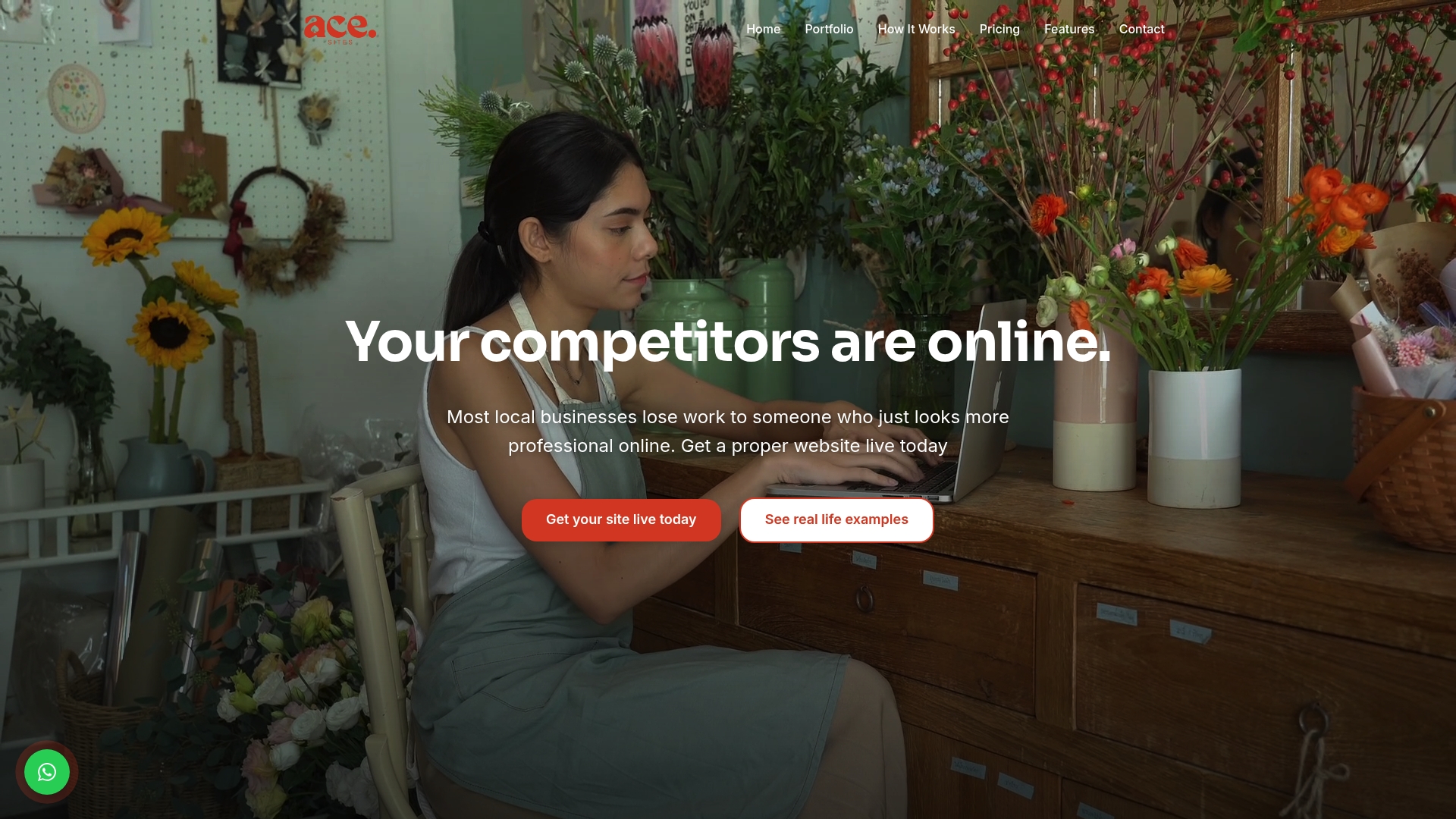
Rather than hiring a developer or learning a new platform, Ace-sites builds your website for you and only asks for payment once you have seen it. There are no hidden costs and no long-term contracts. The platform includes built-in SEO tools, a blog manager, contact forms, mobile-optimised templates, and an SSL certificate as standard. For service businesses that need to get online quickly and confidently, that combination is hard to beat.
You can see it built for free before committing. For a small business owner who wants a professional site live fast, without the learning curve, that is a genuinely useful starting point.
Key takeaways
Publishing a website requires connecting a domain, hosting, and public visibility settings, with testing and search engine submission completing the process.
| Point | Details |
|---|---|
| Publishing is a distinct step | Your site is not live until domain, hosting, and DNS are all connected and visibility is set to public. |
| SSL is non-optional | Browsers flag sites without SSL as "not secure," harming trust and search rankings. |
| Method shapes complexity | Website builders go live in hours; coded sites can take days including DNS propagation. |
| Search engines need telling | Submit your site to Google Search Console and Bing Webmaster Tools after launch to speed up indexing. |
| Ace-sites for fast deployment | Ace-sites builds your site and includes SEO tools, blog manager, and SSL with no hidden costs. |