
Finding a small business website builder that delivers a fast, simple setup without big upfront costs or complex technical steps slows down many owners. Many platforms demand a long prepayment, hide plan limits behind sign-up, or restrict support to help articles only. This comparison lines up pricing, ease of use, site controls, and support quality so small business owners can pick a builder that fits their budget and pace.
Table of Contents
aceSites
At a Glance
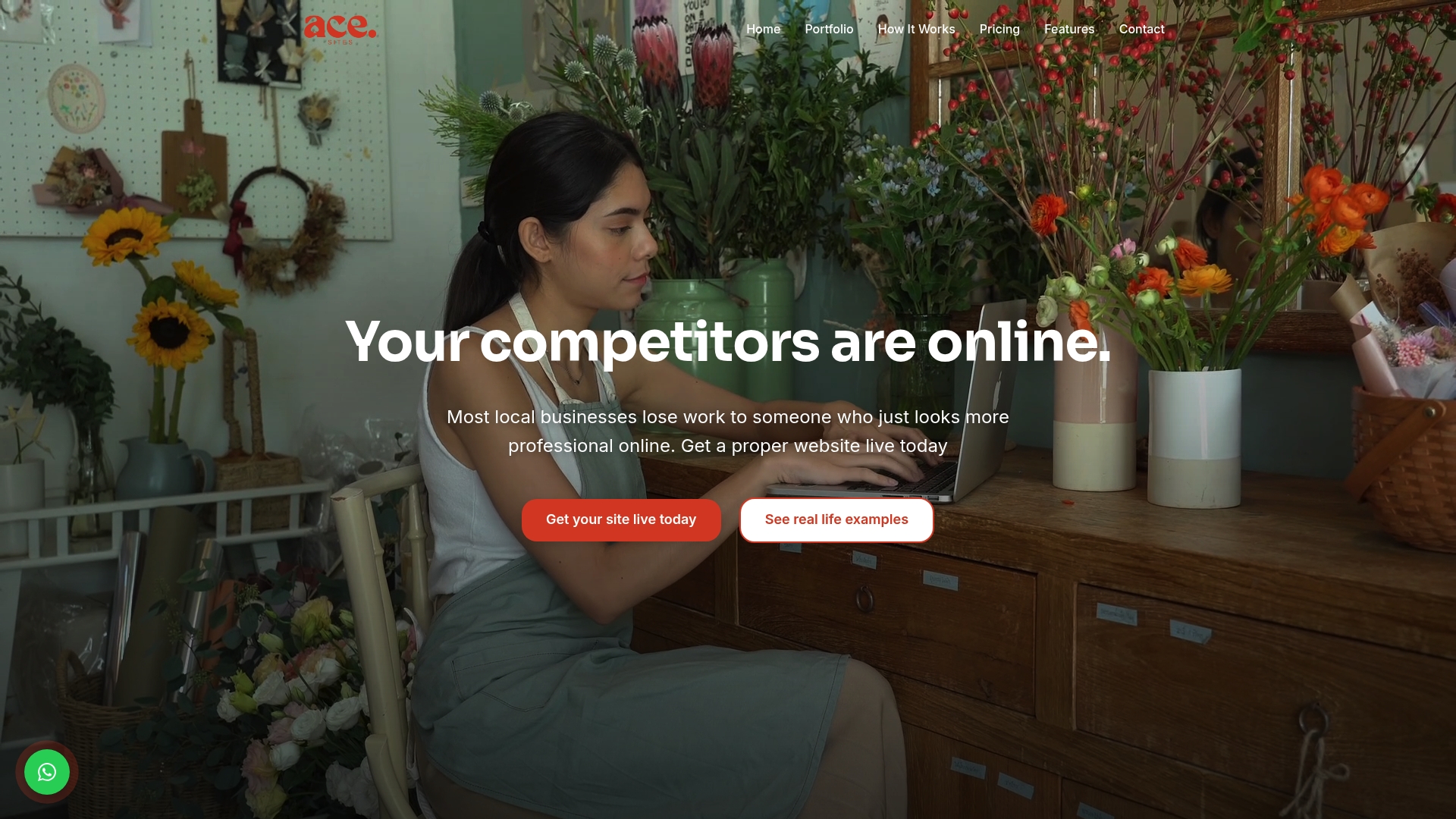
aceSites reports a free website build for the first 10 sign-ups delivered through a guided setup. The service targets local small businesses that need a professional site fast. Plans include a 30-day free trial and ongoing support from an in-house team.
Core Features
The platform provides a drag and drop visual editor, unlimited pages, and custom branding so you can match your business identity without coding. Templates are mobile optimised and include an SSL certificate for basic security. The vendor advertises options to go live in under a day and bundles built-in SEO tools, contact forms, booking widgets, and a blog manager for ongoing content.
Key Differentiator
The most obvious point of difference is the initial free build offer for new customers, paired with a simple, guided process aimed at non-technical owners. That free-build promotion reduces the upfront barrier for tradespeople and small shops who would otherwise pay an agency. The onboarding focus keeps the site setup practical rather than technical.
Pros
aceSites is easy for non-technical owners to use, with clear templates and a visual editor that reduces training time. The platform supports quick setup and, per the vendor, can get a site live in a short timeframe, which helps businesses begin collecting enquiries sooner. Monthly plans start low and carry no long-term contracts, and the product includes practical tools such as contact forms, booking widgets, a blog manager, and an SSL certificate, plus support from the in-house team.
Cons
- Limited design flexibility compared with bespoke or advanced website platforms, so the service may not suit businesses that need complex ecommerce or custom development.
Who It's For
Small business owners in local service sectors will find aceSites useful, especially tradespeople, beauticians, salons, and local restaurants. The product suits owners with minimal technical skills who want to manage content themselves and avoid agency fees. It also appeals to businesses that need a straightforward site quickly rather than a highly bespoke build.
Unique Value Proposition
That initial free-build promotion lets early adopters bypass agency fees and test a working site without an upfront cost. Combined with a low monthly hosting fee and in-house support, the model shifts cost from a single large payment to manageable monthly charges while keeping content control with the owner. For many local firms this lowers financial risk when getting online.
Real World Use Case
A beautician signs up for the 30-day free trial, uses the editor to add her logo, list of services, and photos, and publishes the site the same day. She updates prices and special offers herself through the content manager and uses the booking widget to take appointments. Local SEO tools help make the salon visible to nearby customers searching online.
Pricing
Plans start from £19.99/month with a 30-day free trial for new customers. Custom bespoke website builds begin from £1,695 for businesses that need a tailored or ecommerce solution. There are monthly hosting and support fees after any initial promotion or trial period.
Website: https://ace-sites.co.uk
Squarespace
At a Glance
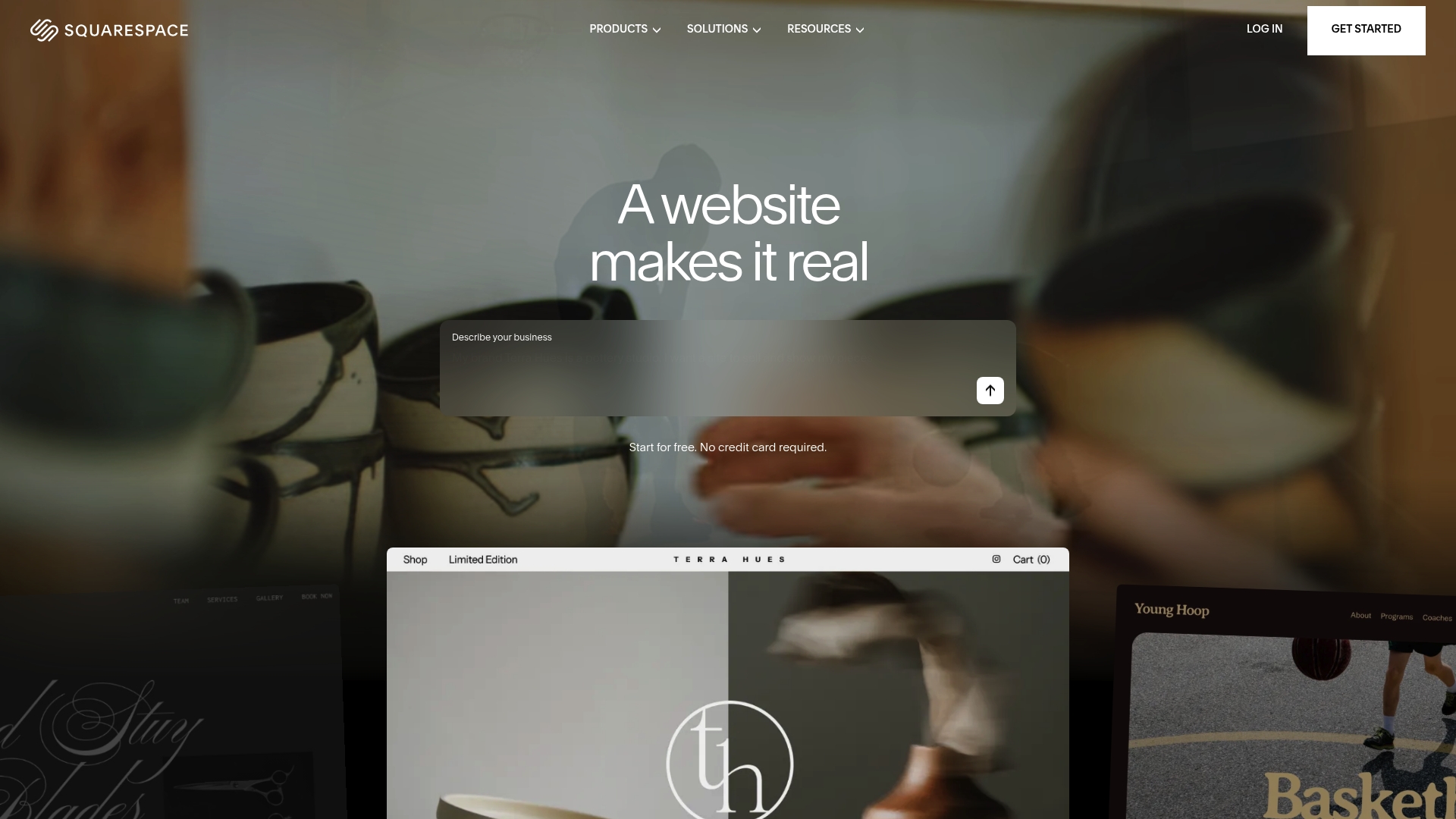
Squarespace starts at $19/month after a 14-day free trial. That price point pairs with a full stack of tools including ecommerce, scheduling, domain management, and AI content guidance. The bundle targets people who value polished design and fewer moving parts when building a business site.
Core Features
Templates are professionally designed and highly visual, and the platform combines hosting, domain services, and marketing tools in one place. The editor uses a block-based interface and built-in Squarespace Payments for card taking, while calendar bookings work via Acuity Scheduling integration. There are also blog, portfolio, membership, SEO, and analytics tools all accessed from a single dashboard.
Key Differentiator
Squarespace sells the design-first, all-in-one experience and packages that with AI guidance to speed content creation. That approach suits small businesses that want an attractive, managed website without hiring a developer. By contrast, Ace-sites focuses on rapid deployment and service-specific templates tailored for trades and local businesses.
Pros
The templates produce a modern storefront and portfolio appearance with little effort from the owner, which helps with first impressions. The combined hosting, SSL, domain, and marketing toolkit reduces the number of third-party accounts you must manage. Built-in SEO and analytics give you direct controls to improve visibility without extra plugins.
Cons
- Limited customisation beyond templates can frustrate advanced developers who want full control over markup and server settings.
- Pricing tiers sit higher than some minimal builders, which may stretch a tight small business budget.
- Support response times are reported as slow or inconsistent by some customers, which can delay fixes.
- Occasional slow page loads and domain transfer headaches have been reported and may affect launch timing.
When It May Not Fit
If you need bespoke code access or extensive backend alterations, Squarespace will feel restrictive. If your priority is the cheapest possible monthly cost, the entry price may be too high. If you run a high‑traffic store that needs finely tuned performance, a platform offering deeper technical control will suit better than this product.
Notable Integrations
Acuity Scheduling for appointments and bookings, Squarespace Payments for checkout, and connections to Google Workspace and Mailchimp for email and productivity. Zapier links the site to countless other apps, while social media integrations publish directly to Facebook and Instagram.
Who It's For
Non-technical entrepreneurs and small business owners who prize design and an integrated toolset will get the most from this platform. Creatives such as photographers, designers, and boutique retailers will find the templates useful. Owners who want fewer vendors to manage will appreciate the bundled services.
Real World Use Case
A boutique flower shop uses the platform to display arrangements, sell bouquets online, take card payments, and let clients book same-day deliveries. The owner manages stock, bookings, and marketing from the same control panel without separate hosting or payment providers.
Pricing
Plans start at $19/month after a 14-day free trial, with higher tiers unlocking reduced transaction fees and additional ecommerce features. The model is subscription based with tiered upgrades that add marketing and commerce capabilities.
Website: https://squarespace.com
Zarla
At a Glance
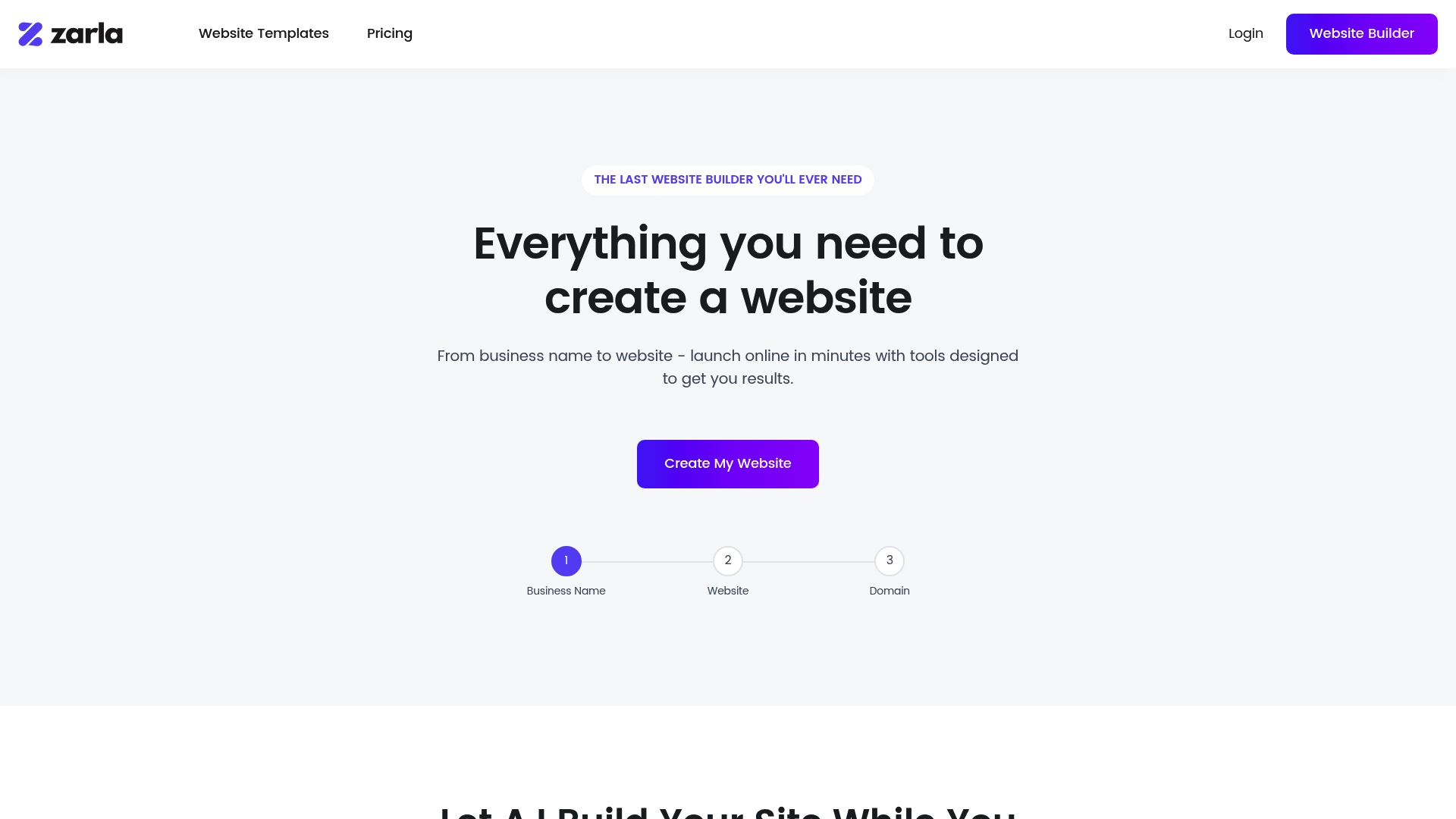
US$2.99/month for the Basic plan requires 36 months upfront, totalling US$107.64. Zarla uses AI to build and populate sites rapidly, with a clear focus on local search visibility for small service firms. The offering bundles hosting and domain registration for a fast go live.
Core Features
Zarla delivers AI-powered website and content generation alongside professionally designed, customisable templates that adapt to mobile screens. It includes integrated booking and contact forms and creates service and location pages to support local search. Sites run on Google Cloud, which the vendor cites for reliable performance.
Key Differentiator
The platform centres on automated site creation that combines content generation with search optimisation tailored to local service businesses. This approach reduces the time needed to publish a search-ready site and removes much of the setup work for non-technical owners. That focus makes it a practical alternative to hiring an agency for a simple local website.
Pros
According to the company, many users report high satisfaction with the speed and simplicity of getting online. Zarla pairs quick AI-driven site assembly with templates that look professional and require little tweaking. Built-in SEO and automatic location pages help small firms appear in local searches, while included domain registration and Google Cloud hosting remove separate vendor steps.
Cons
-
Limited support options. No phone support and chat can be slow, which frustrates users who need immediate help.
-
Domain and transfer issues. Some users encounter technical problems when connecting external domains or moving sites away.
-
Constrained design controls. Template choices and icon libraries can feel limited for bespoke brand needs.
-
Advanced SEO settings are not deep. Users wanting fine-grained control report friction with transfers and custom optimisation.
When It May Not Fit
If you need a bespoke design or advanced SEO control, Zarla may feel restrictive. Organisations that depend on phone support or in-house domain complexity will likely need a different provider. Larger sites with many unique templates or deep custom code are outside its sweet spot.
Who It's For
Small local service owners, solo entrepreneurs, and startups wanting a quick, low-cost web presence will find Zarla useful. If you want to set up online booking and appear in local Google results without learning code, this fits well. It suits people who value speed over advanced customisation.
Real World Use Case
A local personal trainer can use Zarla to create a professional site with online booking and contact capture in a few hours. The site includes service pages for classes and a location page to help local searches. That setup lets the trainer accept bookings and gain visibility without hiring a designer.
Pricing
Plans start at US$2.99/month for Basic when paid for 36 months upfront, which totals US$107.64. The Business plan is US$6.99/month on the same 36 month term, totalling US$251.64. The vendor lists additional plans and the option to cancel at any time.
Website: https://zarla.com
Weebly
At a Glance
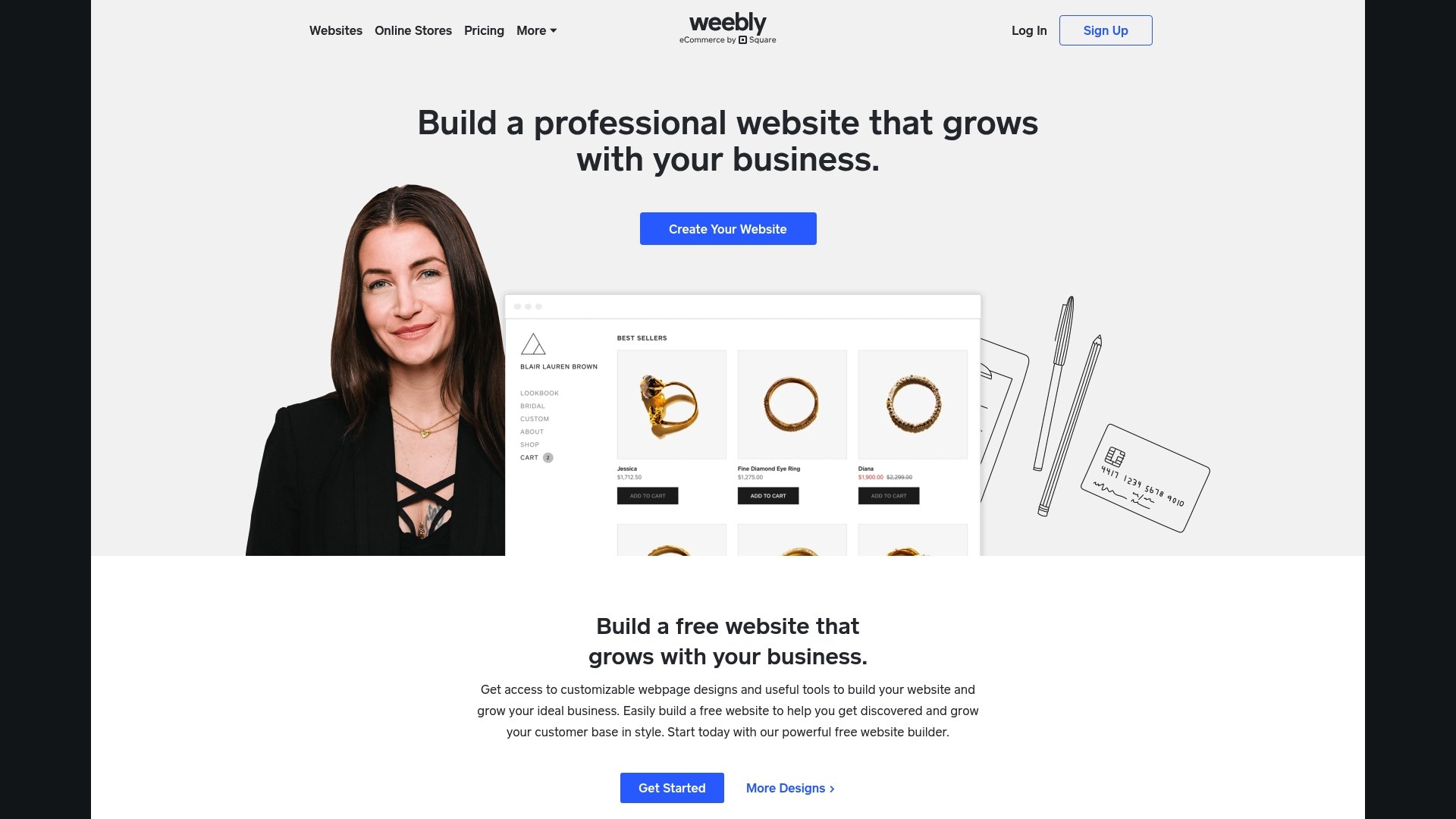
Now part of Square, Weebly links online shops to in person sales through built in payment tools and point of sale compatibility. The platform targets entrepreneurs who need a simple site and basic eCommerce without technical setup. Users often pick it for low cost and quick setup.
Core Features
Weebly offers a visual drag and drop editor, a library of modern responsive templates, and integrated eCommerce tools for product listings and payments. It also includes basic SEO controls, site analytics, and marketing features such as email campaign links. These parts combine to help a small business get a brochure site or modest store online fast.
Key Differentiator
Weebly’s defining trait is its emphasis on a simple visual editor paired with direct Square payment integration for both online and offline sales. That focus makes it a practical choice for shop owners who already use Square. Ace-sites, by contrast, targets rapid deployment for local service businesses and includes built in SEO and blog management for trades and local listings.
Pros
The editor is straightforward to learn, which helps you build a basic website quickly. A free plan and low entry tier make testing the platform inexpensive before committing. Templates look modern and work on phones, and the Square connection handles card payments and in person sales without extra plugins. For a sole trader or small retail shop wanting minimal setup, Weebly covers the essentials.
Cons
- Editor instability reported by users can interrupt builds and cost time when editing.
- Advanced customisation is limited and some capabilities sit behind paid plans, which reduces flexibility.
- Customer support is often reported as slow or unhelpful, which leaves technical problems unresolved for longer than expected.
- Migrating a domain or moving a site off the platform can be difficult and require manual work.
When It May Not Fit
If you need full design control or complex storefront features, Weebly will feel restrictive. Agencies or developers who require exportable sites or heavy custom code should look elsewhere. Businesses planning rapid scale or complex integrations will find the platform limiting.
Who It's For
Solo entrepreneurs, small retail shops, and hobbyists who want a low cost way to publish a brochure site or a small store benefit most. You will save time if you already accept card payments in person with Square. If you prioritise portability or deep customisation, this is not the right fit.
Real World Use Case
A local bakery builds a site to show menus, locations, and open hours, and adds online ordering for collection. The owner uses the visual editor to add product pages and links payments to the same Square account used at the till. That keeps setup simple and avoids separate payment providers.
Pricing
Weebly lists a free tier and paid plans of Personal ($13/mo), Professional ($15/mo), and Performance ($32/mo), plus custom enterprise options for larger needs. The free plan lets you test the editor, while paid tiers unlock store features and remove platform branding.
Website: https://weebly.com
Comparison of alternatives
Finding the ideal website builder for small businesses requires balancing ease of use, cost, and features specific to your business needs. Each platform reviewed here offers a unique advantage depending on particular user requirements.
Usability and Initial Setup
aceSites stands out as the preferred choice for non-technical users or businesses that require expedited online deployment. Its guided platform is tailored for intuitive use, allowing rapid site creation even at a beginner level. In contrast, while Squarespace and Zarla provide a broader selection of design templates, they require a more significant design investment from the user. Weebly's simple editor achieves fast setup times but may lack refinement in its aesthetic outputs compared to its peers.
Cost Efficiencies and Budget Considerations
Zarla emerges as the most cost-efficient option for prolonged commitments, suggesting significant upfront payments for reducing monthly rates. However, aceSites offers a free build for initial users and remains affordable with a modest monthly plan. Squarespace's higher subscription tiers cater to professionals with ample tools but can be financially restrictive for those prioritising minimal operational costs. Weebly addresses entry-budget accessibility with its free plan, ideal for explorative individuals but offering only limited capabilities under it.
Best fit
- Small service businesses or those run by owners without technical expertise will benefit from aceSites due to its user-friendly guided editing and unique free build offering.
- Entrepreneurs seeking professional, creative-oriented designs combined with pre-integrated commerce tools will prefer Squarespace.
- Cost-conscious startups emphasising SEO for local reach and a lean financial setup should select Zarla.
- Physical retailers linking online and point-of-sale operations should consider Weebly for its native integration with Square payments.
Our pick
aceSites becomes the ideal choice for small service businesses with its guided process, ensuring an accessible and efficient path to creating professional web presences. However, users prioritising highly customisable design or advanced integration may explore Squarespace and Weebly as compelling alternatives.
Finding the right builder for small business websites often means balancing cost, usability, and features across multiple platforms.
| Platform | Core Features | Key Differentiator | Pricing | Notable Limitation |
|---|---|---|---|---|
| Ace-sites | Drag-and-drop editor, unlimited pages, SEO tools | Free initial build offer for new customers | £19.99/month, 30-day free trial | Limited advanced design flexibility |
| Squarespace | All-in-one toolkit with ecommerce and marketing | Design-first templates with AI content | $19/month, 14-day free trial | Higher entry costs for small businesses |
| Zarla | AI-powered rapid site creation and SEO tools | Automated local search optimisation | $2.99/month (36-month upfront) | Limited support and design customisation |
| Weebly | Basic eCommerce integration, responsive templates | Square payment link for offline and online | Free tier, paid plans from $13/month | Instability reported with editor function |
How Do Easy Website Builders Help Local Businesses Get Online?
Many small business owners in local service sectors face the challenge of launching a professional website quickly without technical skills or agency fees. The article shows that ease of use, rapid setup, and built-in tools like SEO and booking widgets are key for tradespeople, beauticians, and restaurant owners who want to attract clients online.
Ace-sites meets this need by offering a straightforward, user-friendly platform designed for rapid website builds tailored to local service businesses. Its free initial build and simple visual editor let you create a customised site without coding. With built-in SEO features and a blog manager, you can manage your online presence confidently and start gaining enquiries faster. Learn more about how Ace-sites supports small businesses at aceSites.
Start your easy website build now and publish your professional site in under a day with Ace-sites.
FAQ
What features make Ace-sites a suitable option for small business owners?
Ace-sites offers a drag-and-drop visual editor that allows non-technical owners to build their sites easily. This feature eliminates the need for coding skills, making it accessible for small business owners who want to focus on their services rather than learning web design. Users can get started quickly, creating a professional site in no time.
How does Ace-sites compare with Squarespace in terms of design capabilities?
Squarespace is known for its professionally designed templates and visual aesthetics, which appeal to those prioritising polished design. Ace-sites, on the other hand, is better suited for small business owners who need a quick setup without extensive design customisation, fitting a more practical use case. Both platforms cater to different needs depending on the owner's priorities.
What is the initial cost to start using Ace-sites?
Ace-sites offers a free website build for the first 10 sign-ups, followed by monthly plans starting at £19.99. This makes it an affordable choice for small businesses aiming to establish their online presence with minimal upfront investment while receiving ongoing support.
Can I expect in-house support with Ace-sites?
Yes, Ace-sites provides ongoing support from its in-house team, which is particularly beneficial for small business owners unfamiliar with web management. This support helps ensure that owners can troubleshoot issues quickly and focus on their core business operations.
How quickly can I go live with Ace-sites?
According to Ace-sites, users can go live in under a day using their platform. This rapid deployment is ideal for small business owners who need an immediate online presence to start attracting customers quickly.
Is there any flexibility in the features offered by Ace-sites?
While Ace-sites provides a variety of features, including unlimited pages and built-in SEO tools, the design flexibility is more limited compared to advanced platforms like Squarespace. This may restrict businesses that require extensive customisation, so consider your specific needs when choosing.